
MQTT is a lightweight queueing protocol commonly used in the IoT industry. The Arroyo MQTT connector can use MQTT brokers as sources and sinks using configurable reliability.
Configuring the Connection
MQTT connections can be created with the Web UI or SQL DDL.
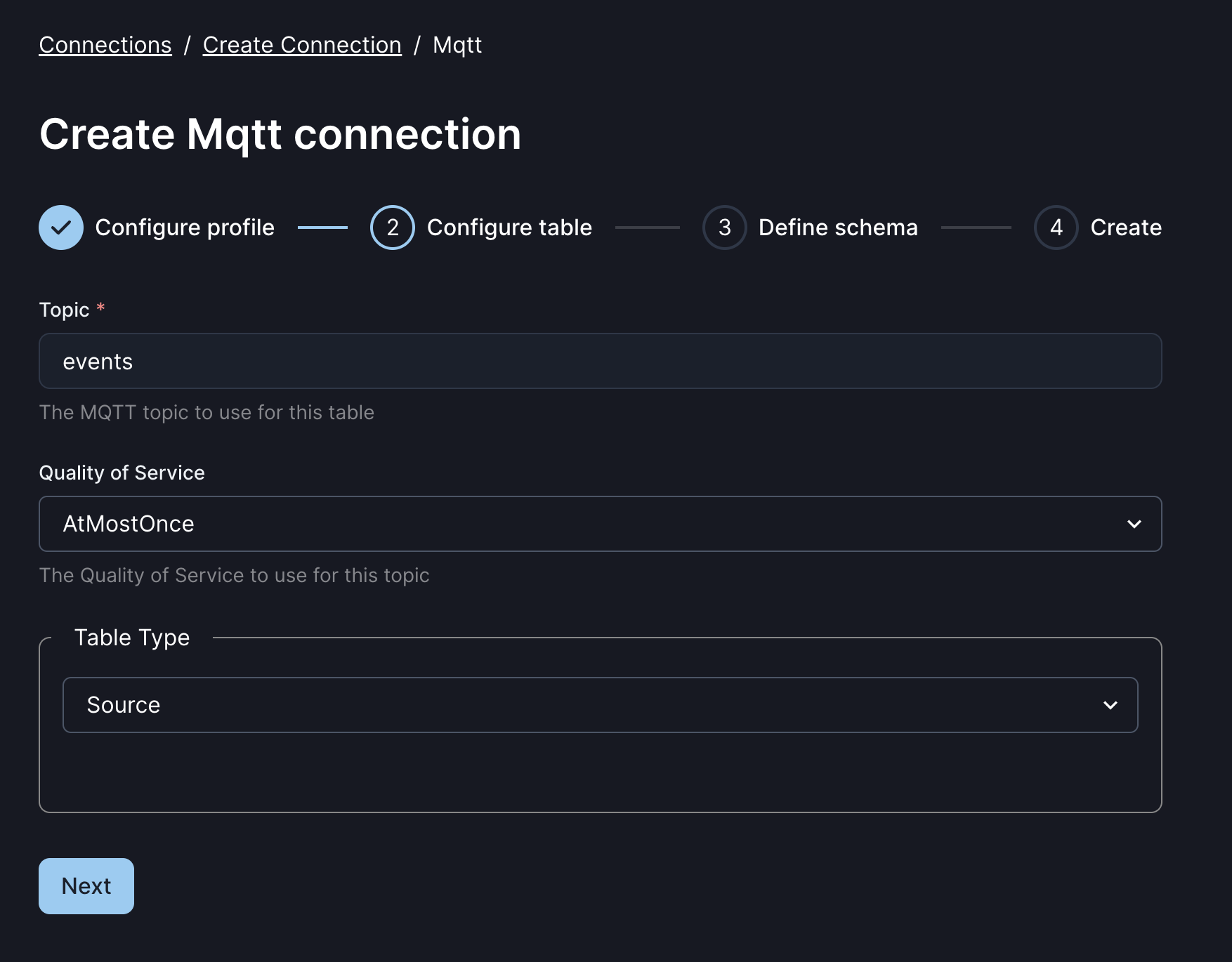
An MQTT connection has several required and optional fields:
| Field | Description | Required | Example |
|---|---|---|---|
| url | The URL of the MQTT broker | Yes | tcp://localhost:1883 |
| username | Username for the MQTT broker | For password auth | bob |
| password | Password for the MQTT broker | for password auth | hunter2 |
| tls.ca | Path to the CA file | For TLS auth | /mount/certs/ca.pem |
| tls.cert | Path to the client cert file auth | For TLS auth | /mount/certs/client.pem |
| tls.key | Path to the client key file | For TLS auth | /mount/certs/client.key |
| topic | The MQTT topic to read or write from | Yes | events |
| qos | One of ‘AtMostOnce’, ‘AtleastOnce’, or ‘ExactlyOnce’ | No | AtMostOnce |
| type | Either ‘source’ or ‘sink’ | Yes | source |
| sink.retain | Whether to retain messages published to this topic | No | false |
| max_packet_size | Maximum MQTT packet size in bytes | No | 10240 |
Connection Profiles
Arroyo connectors can split their configuration into two parts: the profile config, which covers the common details of how to connect and authenticate against a cluster, and the table config which is specific to a particular instance of the connector.
For MQTT, the profile represents a particular MQTT broker or cluster, while the table represents a particular topic.
MQTT profiles can be defined via the Web UI and shared across multiple tables.
They can be used in SQL DDL by setting the connection_profile option in the WITH
clause.
See the connection profile docs for more details.
Source metadata
The MQTT connector supports accessing the following metadata fields:
topic TEXT- the MQTT topic the message was consumed from
See the source metadata docs for more on how to use metadata fields.
Examples
MQTT Source
create table mqtt_source (
    id TEXT,
    lat FLOAT,
    lng FLOAT,
    type INT,
    topic TEXT METADATA FROM 'topic'
) with (
    connector = 'mqtt',
    url = 'tcp://localhost:1833',
    type = 'source',
    format = 'json',
    topic = 'events'
);
MQTT Sink
create table mqtt_sink with (
    connector = 'mqtt',
    url = 'tcp://localhost:1833',
    type = 'sink',
    format = 'json',
    topic = 'results',
    'sink.retain' = true
);